To register, access the portal here: https://portal.giftee-biz.asia/
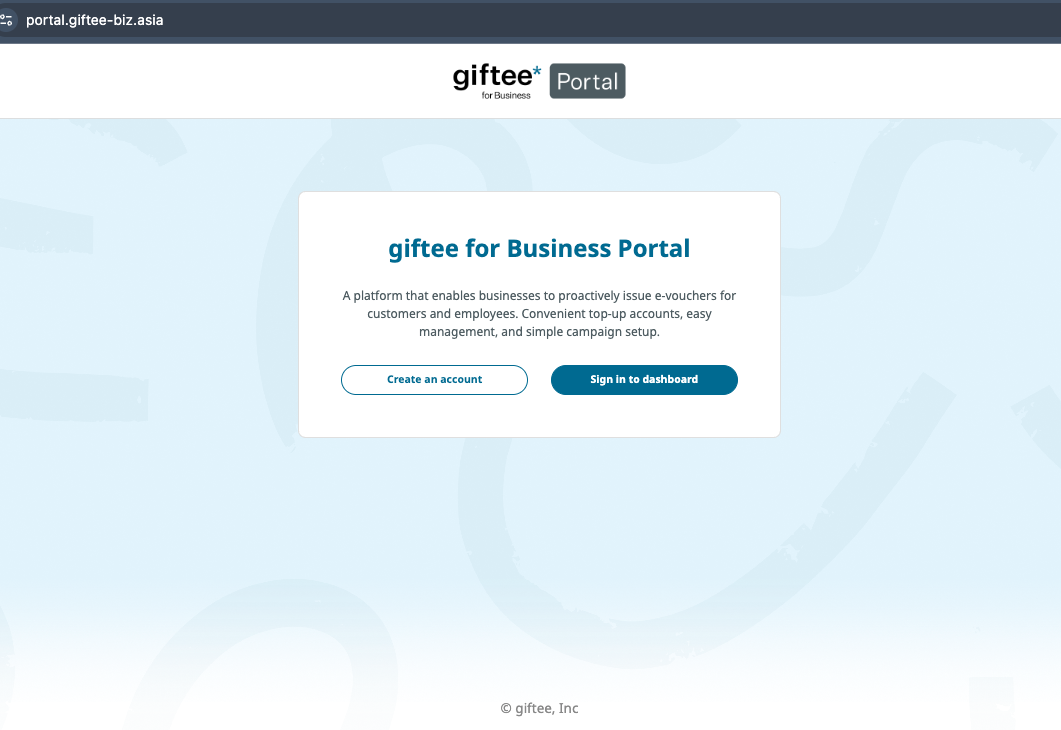
Follow these steps:
Sign Up in the portal.
Set Your Password
Check your confirmation email, set a password, and click “Activate Account”.
Log In to the portal for the first time.
Verify Your Email
An OTP will be sent to your email. Copy and paste the code, then click “Verify”.
Account Verification
A “Verification in Progress” message will appear. The giftee team will review and approve your account.
Note: Verification may take some time as the giftee internal team needs to collect information from the sales team and match it with your registration details.
If your account has not been verified within 3 working days, please contact us to check the latest status.
Was this article helpful?
That’s Great!
Thank you for your feedback
Sorry! We couldn't be helpful
Thank you for your feedback
Feedback sent
We appreciate your effort and will try to fix the article