Step 1 – Create an Account
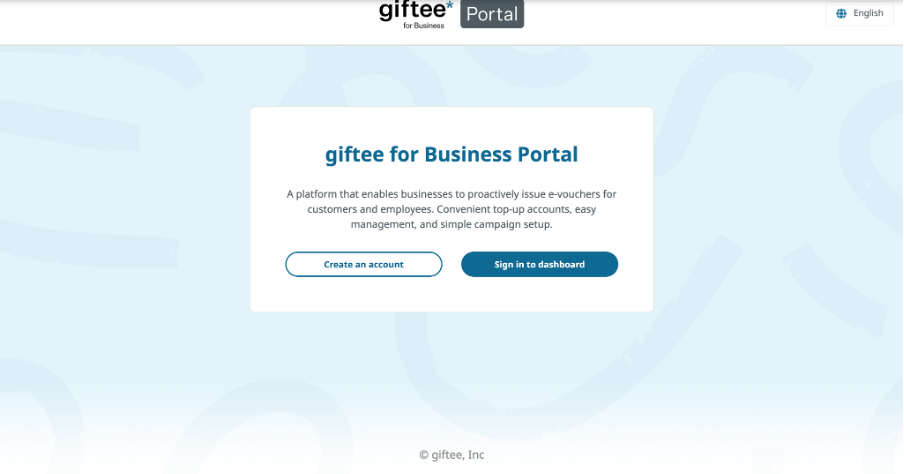
For new users, click Create an Account on the login page.
- Portal link : https://portal.giftee-biz.asia/
Step 2 – Fill in Your Details
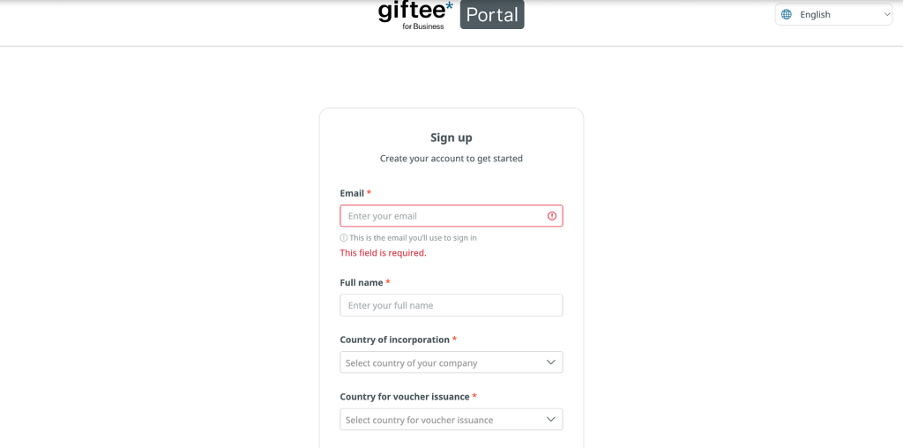
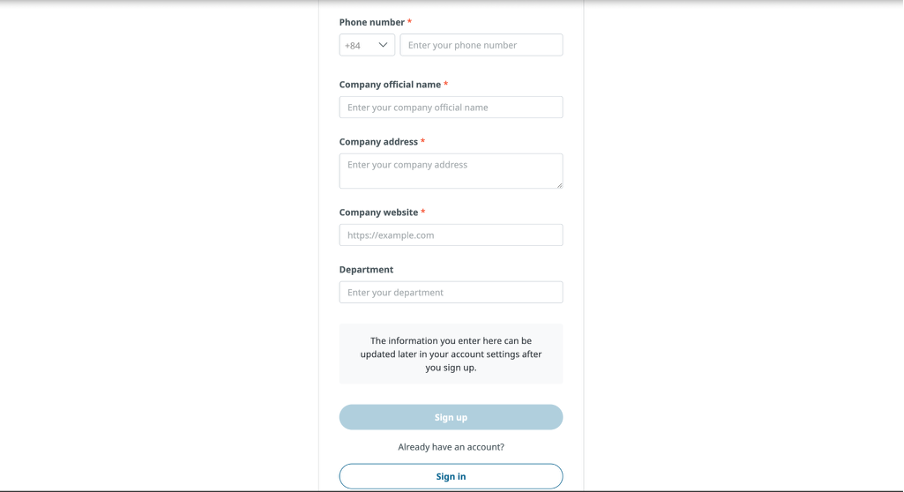
Complete the registration form. Multiple people from the same organisation can create their own accounts to manage orders.
Step 3 – Set Up Your Password
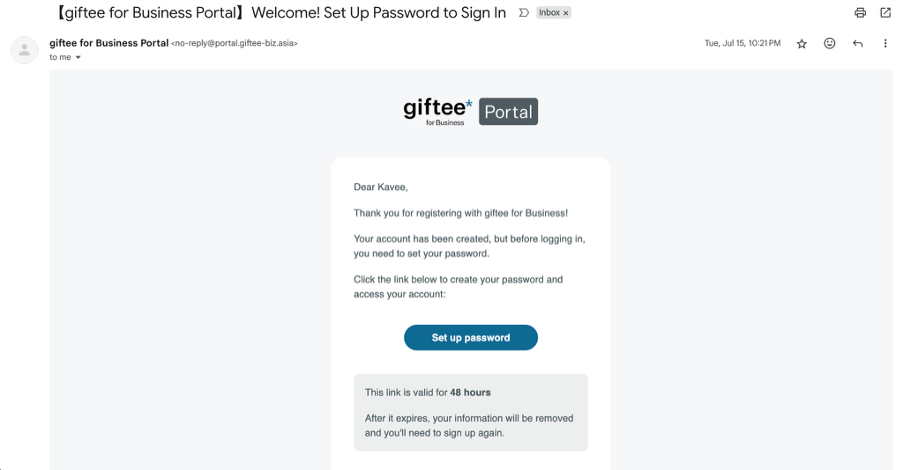
Once your details are submitted, you’ll receive a confirmation email with a link to set up your account password. Follow the link, create your password, and activate your account.
Step 4 – Account Verification
After activating your account, you’ll receive an email titled Verification. This is part of our KYB process. Our Operations team will review your details and verify your business before approving the registration.
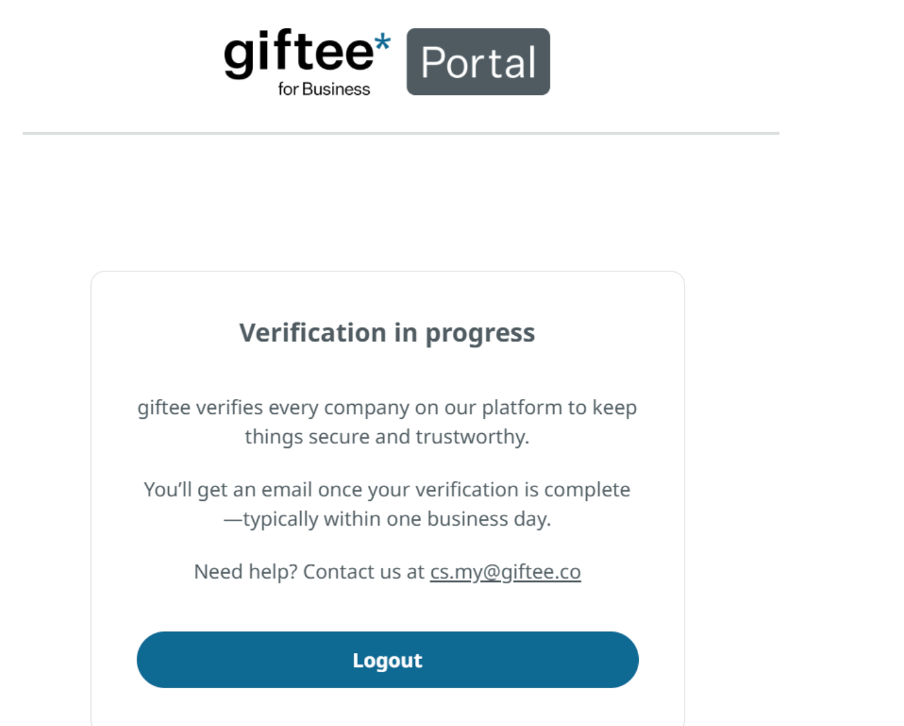
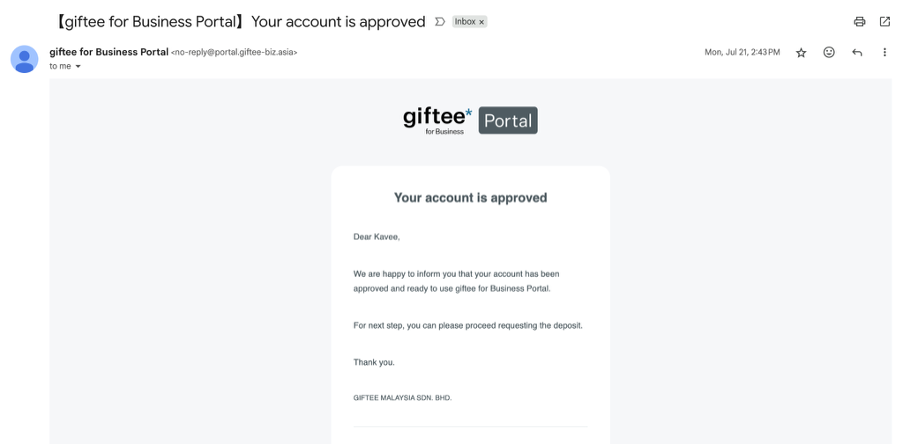
Step 5 – Approval Notification
Once approved, you’ll receive an email confirming that your account is active.
Note:
Verification may take some time as the giftee internal team needs to collect information from the sales team and match it with your registration details.
If your verification has not been completed within 3 working days, please contact the sales team to check the latest status.
Was this article helpful?
That’s Great!
Thank you for your feedback
Sorry! We couldn't be helpful
Thank you for your feedback
Feedback sent
We appreciate your effort and will try to fix the article